From Model to Machine: Nesting and G-code for Millwork Shops
By Earl Morgan · · 1 min read
Shop drawings tell people what to build. G-code tells the machine. When both come from the same 3D model, they can’t disagree.
1. Model with machining in mind
Each part in our millwork library carries its material, thickness, grain direction, edge banding and operations (line boring, dados, hinge cups). Nothing is added by hand later, so nothing gets forgotten.
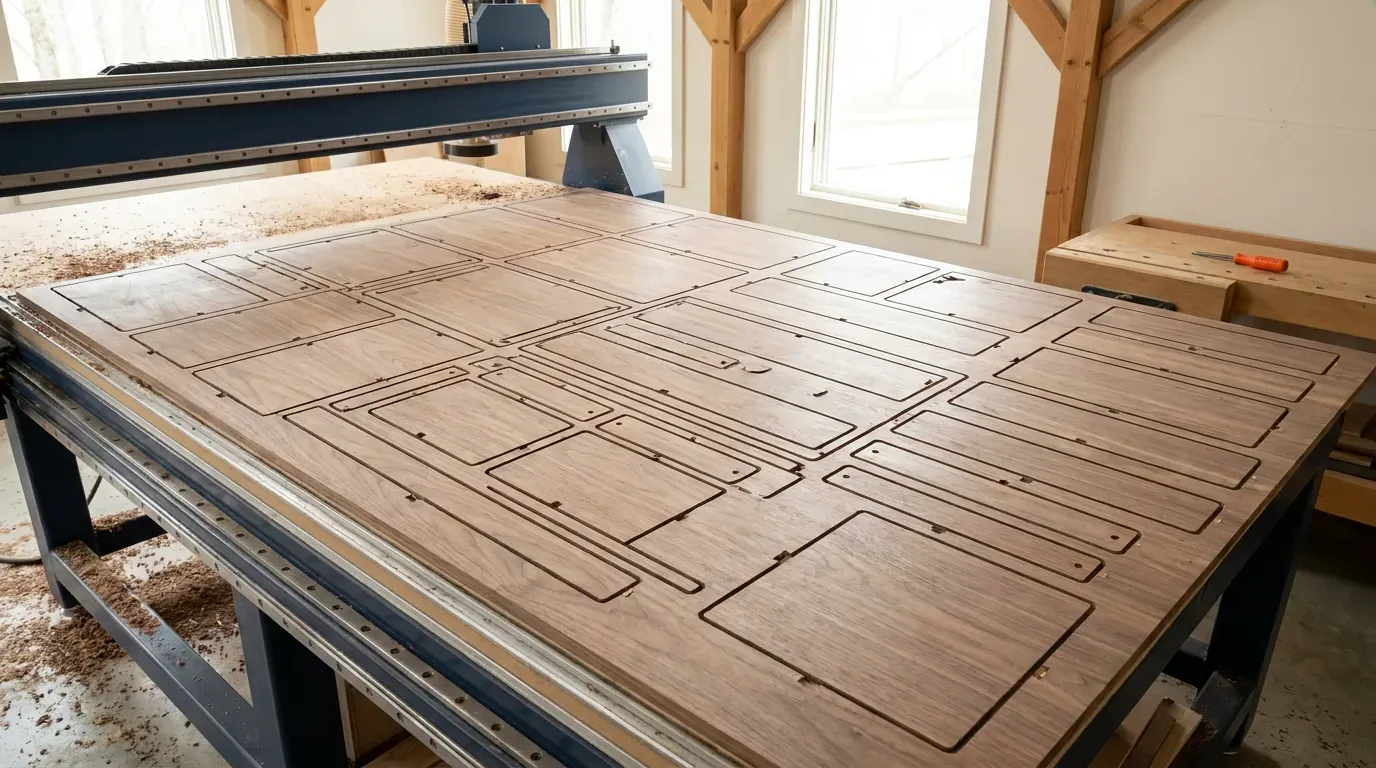
2. Nest by material and grain
Parts are grouped by sheet material and nested with grain direction locked where faces show. Small parts get onion-skin or tabs so they don’t move on the last pass.
3. Post for your controller
Every router family needs its own G-code dialect. Send us your post-processor or controller model and we will send a short test program before the real job.
4. Labels that match the drawings
Labels print the cabinet number from the shop drawings, the part name and edge-band codes, so assembly crews sort parts quickly.
What to send your drafter
- Router make, model and controller
- Sheet sizes you stock
- Tool library (diameters, max depths)
- Your box construction standards
We generate nesting and G-code as an add-on to our millwork shop drawings.